CERT-IN 6-hour incident reporting: what your organisation has to be able to show
The CERT-IN Directions ask for incident reports within six hours, logs kept in India for 180 days and synchronised clocks. Here is what that means in practice, and how to be ready before an incident.
Key takeaways
- The six-hour clock starts when you notice an incident, not when the investigation ends.
- Logs for all ICT systems are kept for a rolling 180 days, inside India.
- Clocks must follow the NIC or NPL time servers, or sources traceable to them.
- Most of the work is done before an incident: a named decision-maker, a runbook and a recorded detection time.
CERT-IN is India's national agency for cyber incident response. On 28 April 2022 it issued Directions under section 70B(6) of the Information Technology Act, 2000. They came into force 60 days later and remain the core cyber security obligations for most organisations operating in India. As far as we can find, they have not been replaced.
The Directions are short. They are also operationally demanding, because most of what they ask for cannot be arranged after an incident has started.
The four duties at a glance
| Duty | What the Directions ask | Evidence a reviewer will want |
|---|---|---|
| Report incidents | Listed incident types reported within 6 hours of noticing them or being told | Incident record with detection time, report time and who decided |
| Keep logs | ICT system logs kept securely for a rolling 180 days, within India | Log source list, retention settings, storage location |
| Synchronise clocks | NTP servers of NIC or NPL, or traceable to them | Time source configuration across systems and cloud workloads |
| Name a contact | A point of contact registered with CERT-IN in the Annexure II format | The submission and a record of when it was last reviewed |
Who the Directions apply to
They apply to service providers, intermediaries, data centres, body corporates and government organisations. Data centres, virtual private server, cloud and VPN providers carry extra record-keeping duties, and so do virtual asset service providers. The FAQs clarify that individual users are not covered. Check the current FAQs for how the Directions apply to your organisation.
What counts as reportable
Annexure I lists 20 incident types. They include unauthorised access to IT systems or data, compromise of critical systems, targeted scanning or probing of critical networks, data breaches and data leaks, and attacks on IoT devices. The FAQs allow an initial report with the information you have, followed by more detail later.
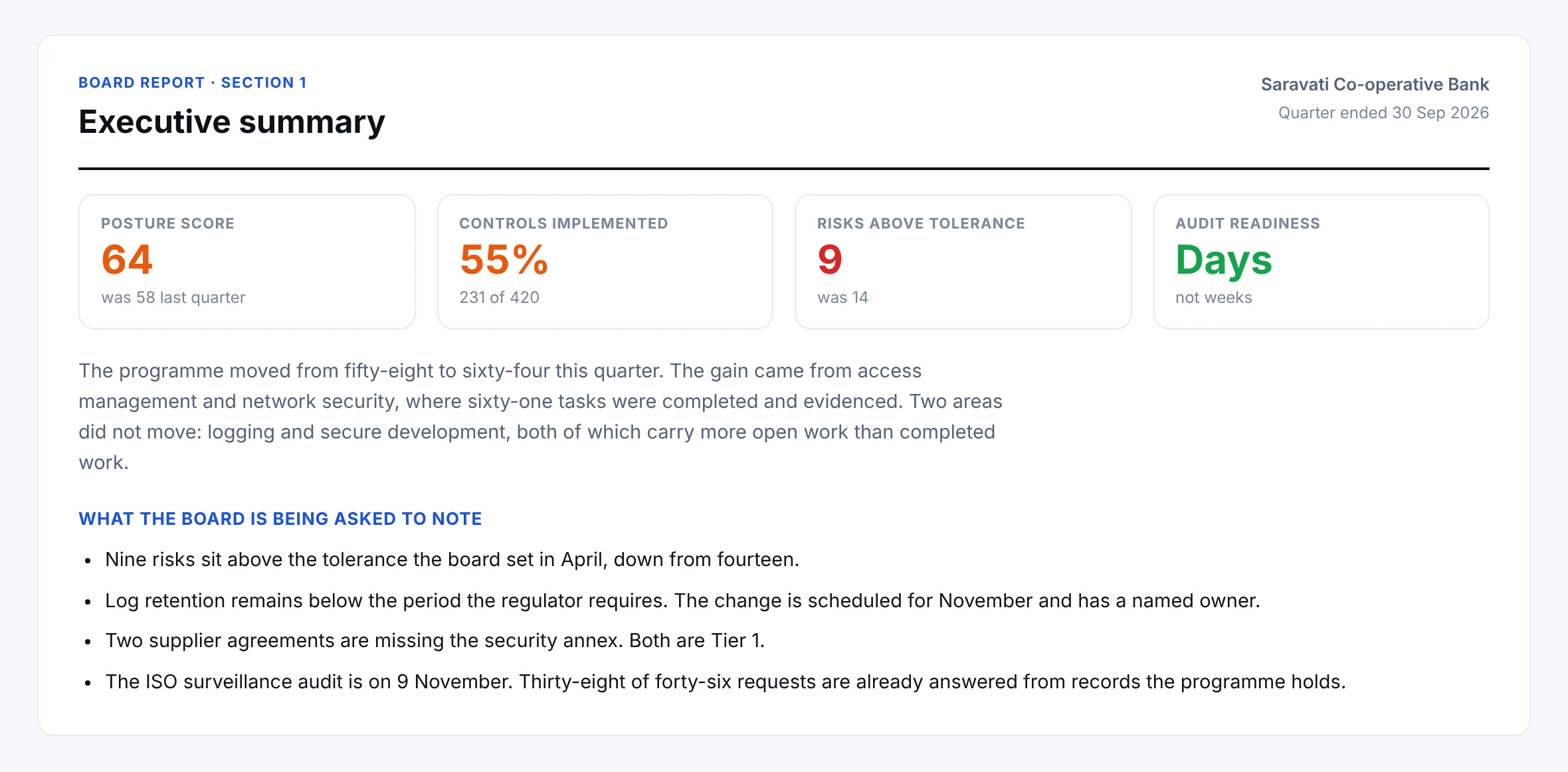
Watch for. The clock starts when you notice the incident or are told about it, not when you finish investigating. An incident record with no detection time cannot show you reported on time.
Why six hours is hard
Three things matter well before anything happens:
- Someone has to be able to decide quickly whether an event is a reportable incident. If the decision waits for a meeting, the six hours go.
- The detection time must be recorded. Without it, you cannot show a timely report.
- Synchronised clocks make the record believable. Logs from systems that disagree about the time are hard to put in order, and harder to defend.
Start the clock below to see how a six-hour window divides up.
- NoticedAt 0:00
- ClassifyAt 0:15
- DraftAt 1:00
- ApproveAt 3:00
- SubmitAt 5:00
- DeadlineAt 6:00
Now: Noticed. Record the time you noticed. The clock starts here, not when the investigation ends.
A planning aid. The Directions set the six-hour deadline only. The internal milestones are a suggestion, so set your own.
A readiness checklist
Tick what you already have. Your progress is kept in this browser.
What a good incident record holds
The Directions do not prescribe a record format. In practice, a record that stands up to review usually shows:
- 1When the event was detected, and by whom
- 2The classification decision, who made it and when
- 3When the report was submitted, through which channel
- 4Which logs were preserved
- 5Follow-up actions, with owners and closure dates
Where the work usually gets stuck
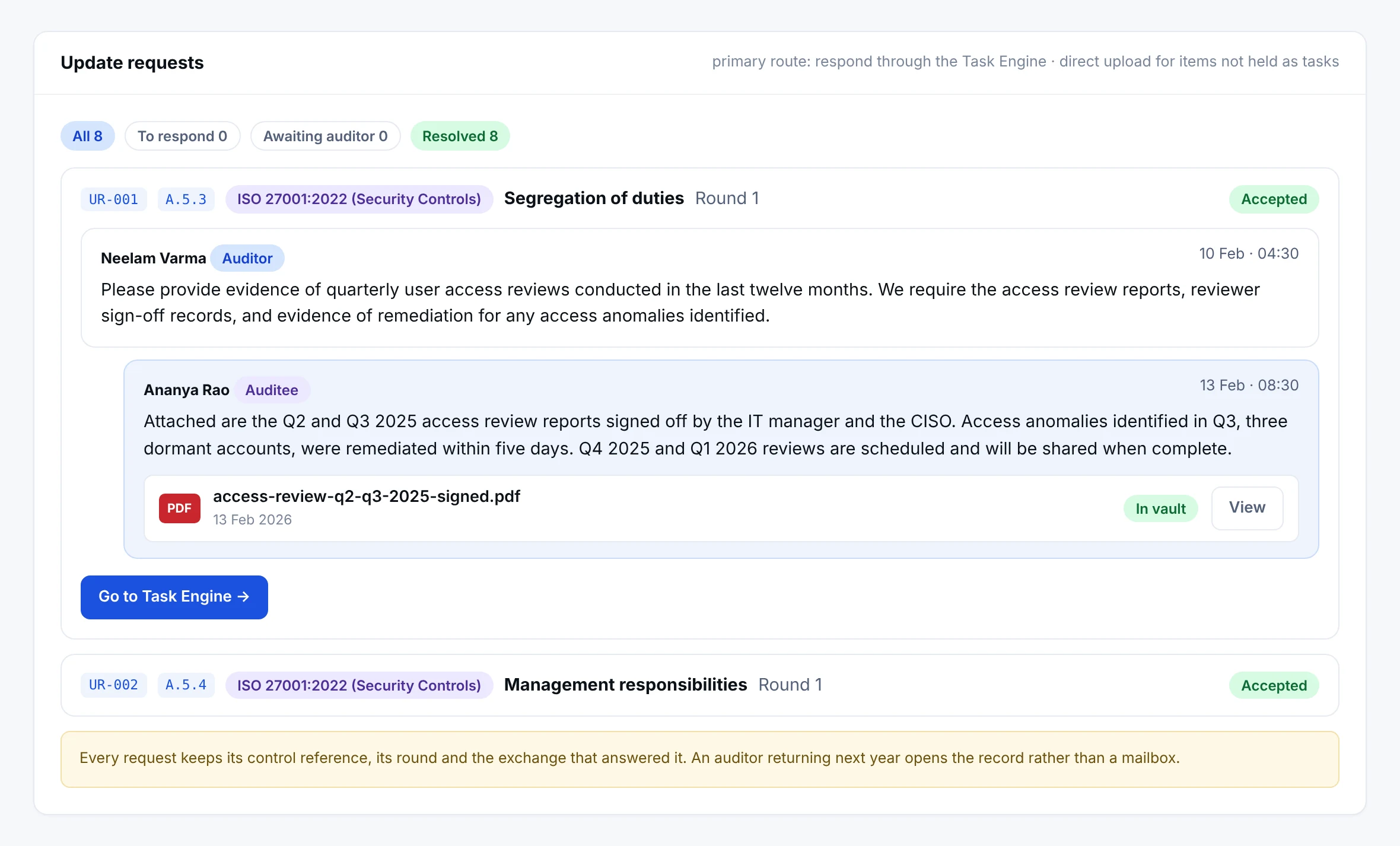
Log retention is configured on the main systems and forgotten on the rest. Contact details go stale. Clock synchronisation is set up once and never rechecked. When a reviewer asks for evidence, it sits in email threads and screenshots.
Tip. Treat each of these as owned, recurring work with a due date, and keep the proof where the work is done.
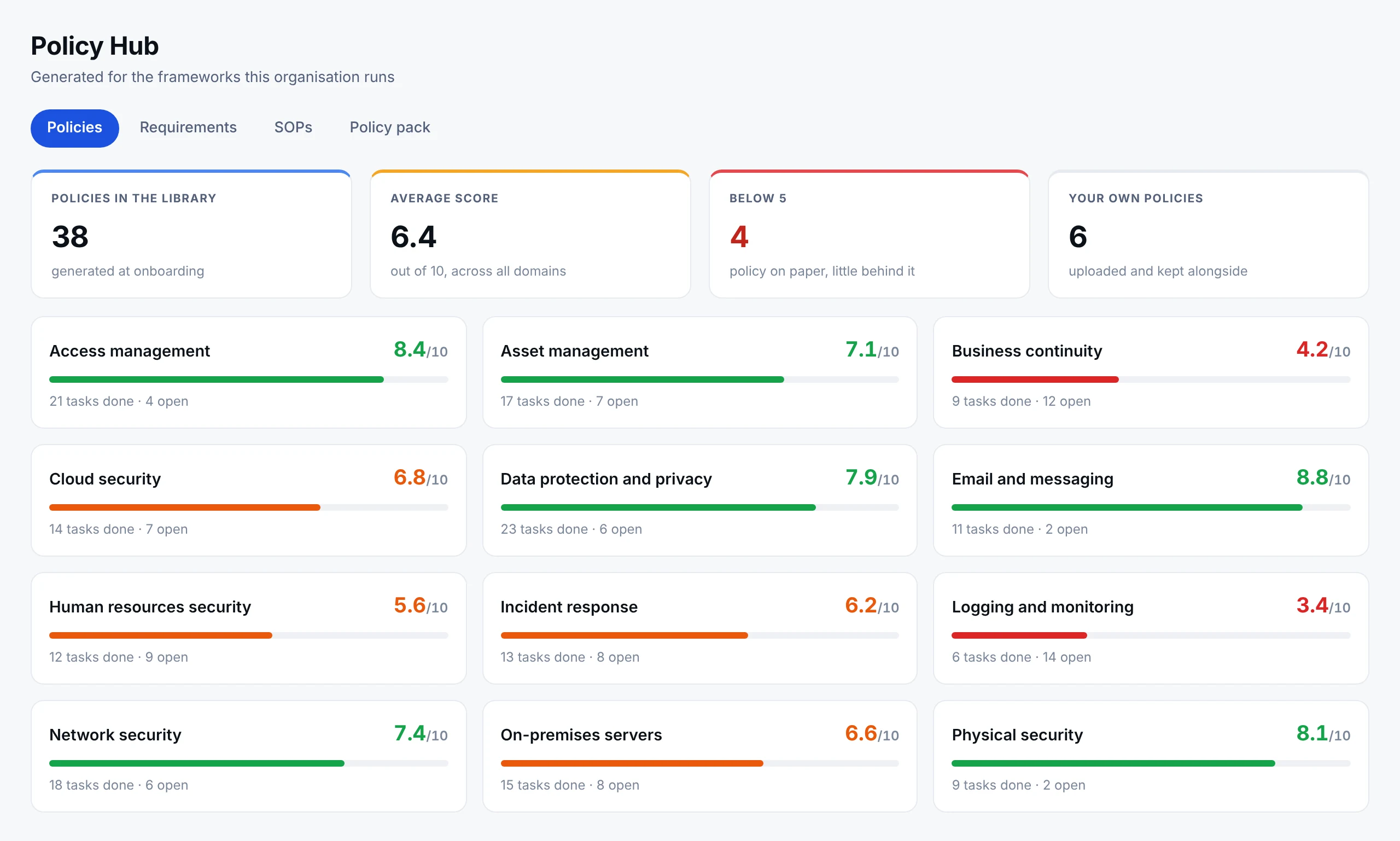
That is how Netra approaches it. The CERT-IN Guidelines are loaded as requirements, tasks and policies, status comes from completed work and evidence, and the record of an incident is there when someone asks for it.
This article is a summary for general information. It is not legal advice. Confirm how the Directions apply to your organisation with your legal and compliance teams.
Frequently asked questions
When does the six-hour clock start?
It starts when the organisation notices the incident or is told about it, not when the investigation ends.
How long do logs have to be kept?
Logs for ICT systems are kept securely for a rolling 180 days, within India.
Which time source should systems follow?
The NTP servers of NIC or NPL, or sources traceable to them.
Be ready before the clock starts
See how Netra turns the CERT-IN Directions into owned tasks, policies and evidence.
See it in Netra
A demo on the frameworks that matter to you.